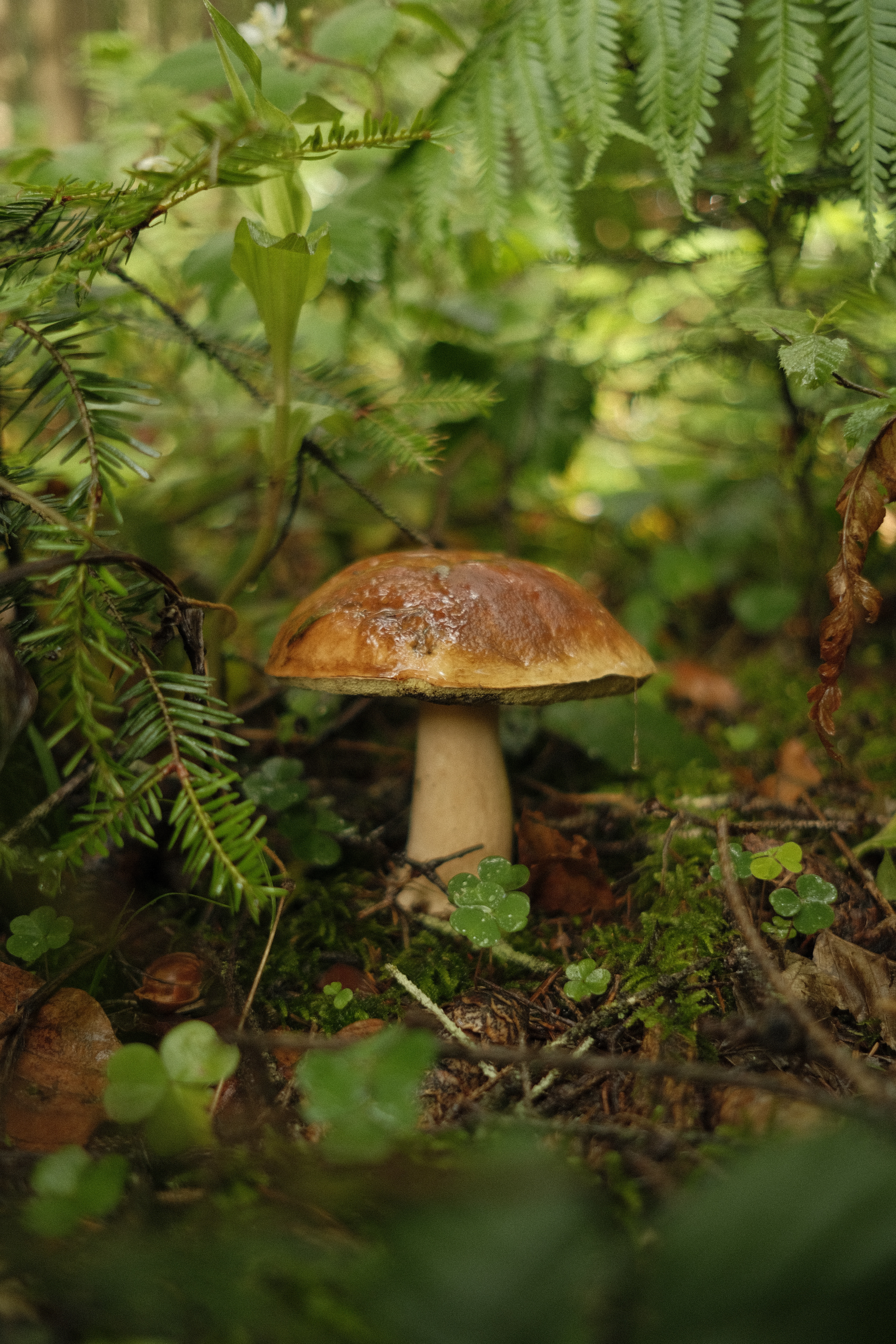
Step 1: Capture or Upload
Open Mushroom Scanner and point your camera at any mushroom you want to identify. Tap the scan button to capture an image. Prefer using an existing photo? Tap the gallery icon to upload any picture from your photo library.
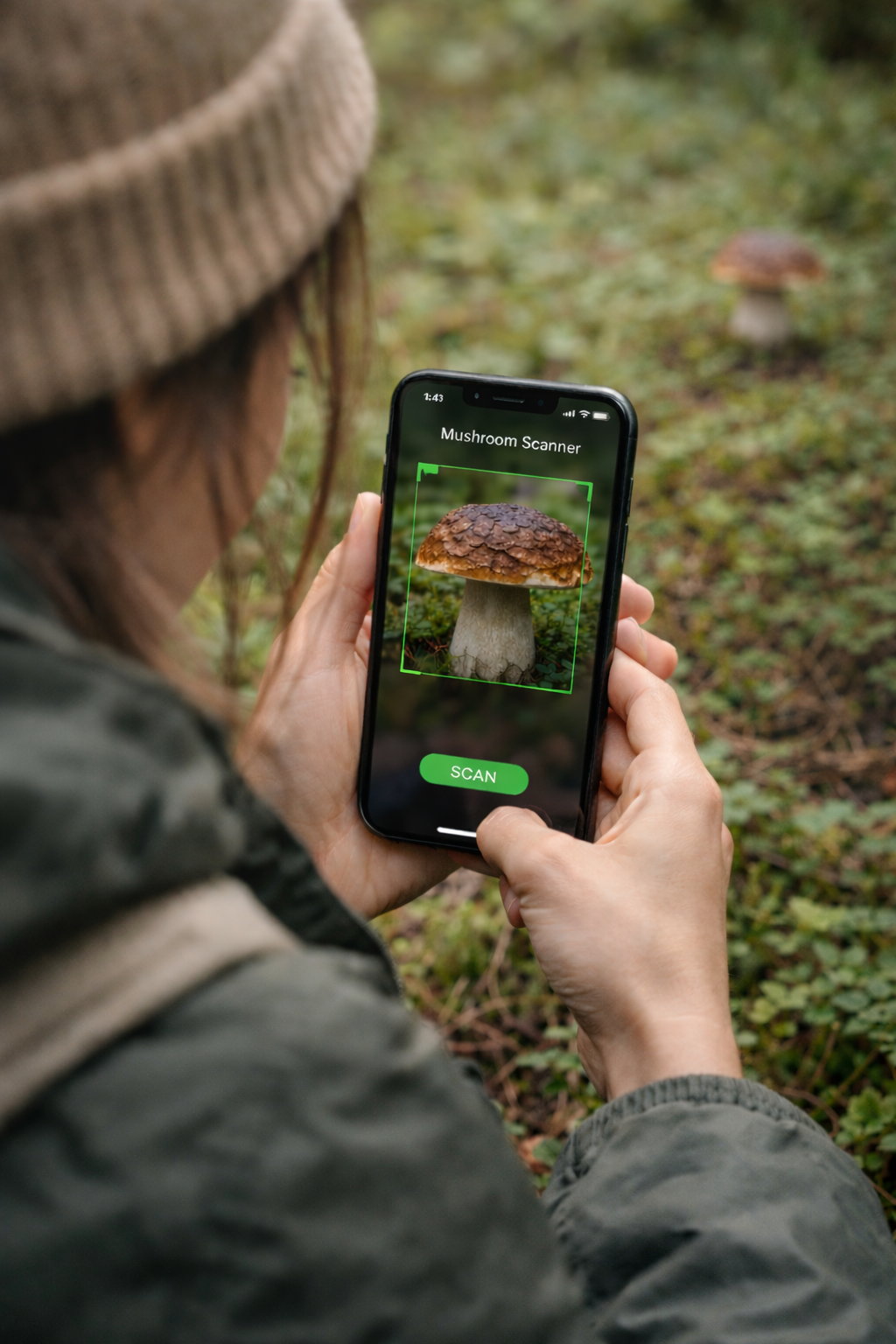
Step 2: Instant Identification
Within seconds, Mushroom Scanner analyzes your photo and identifies the mushroom species. You'll see the common and scientific name, a confidence score, and a clear safety classification.
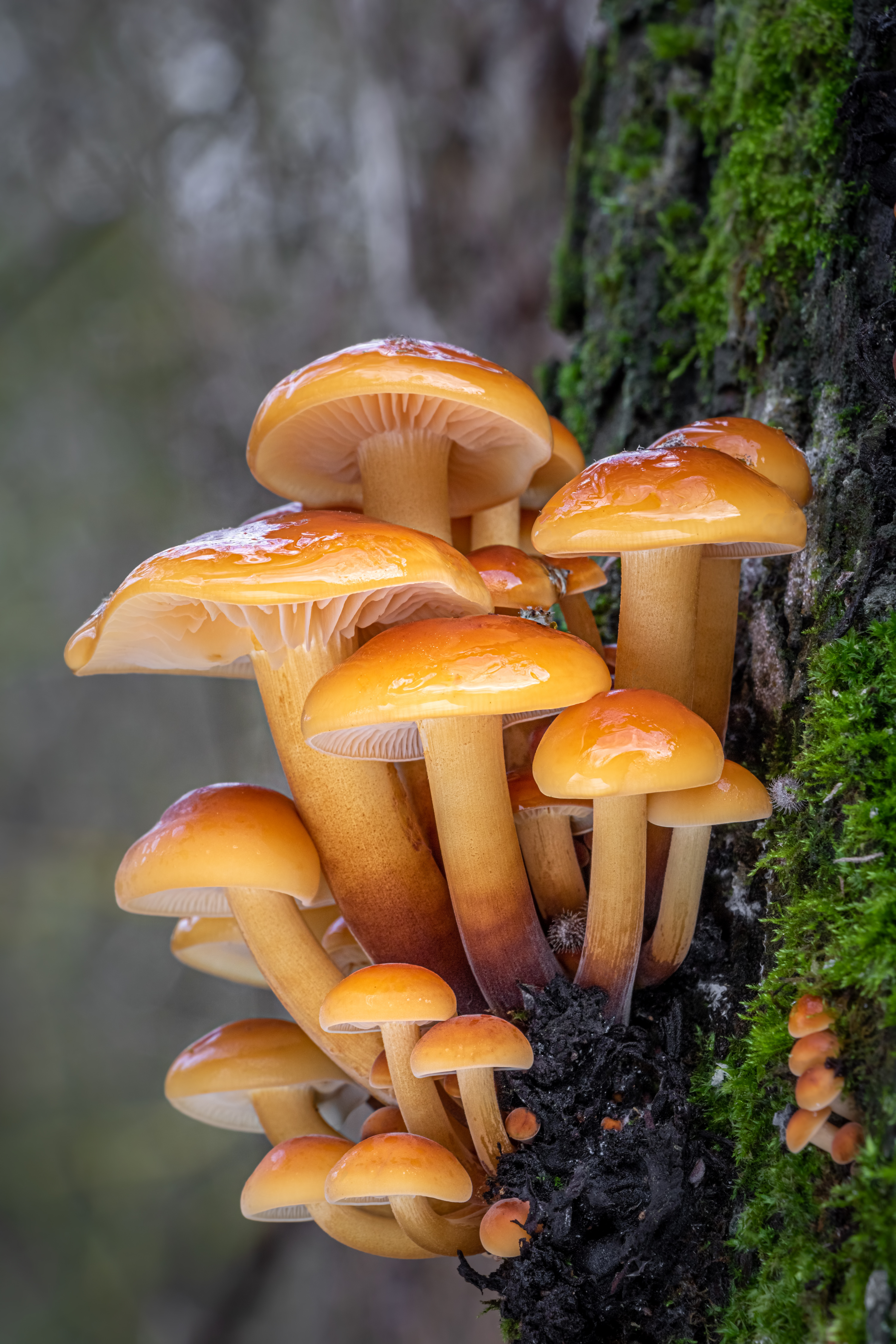
Step 3: Explore Detailed Reports
Tap into the full identification report to discover everything about the mushroom. You'll find toxicity levels, detailed descriptions, habitat preferences, seasonal growing patterns, and warnings about dangerous look-alike species.
Step 4: Build Your Knowledge
Every scan is saved to your history, building a personal library of mushroom encounters. Track what you've found, revisit past identifications, and steadily grow your foraging knowledge over time.